
AV & Visuals
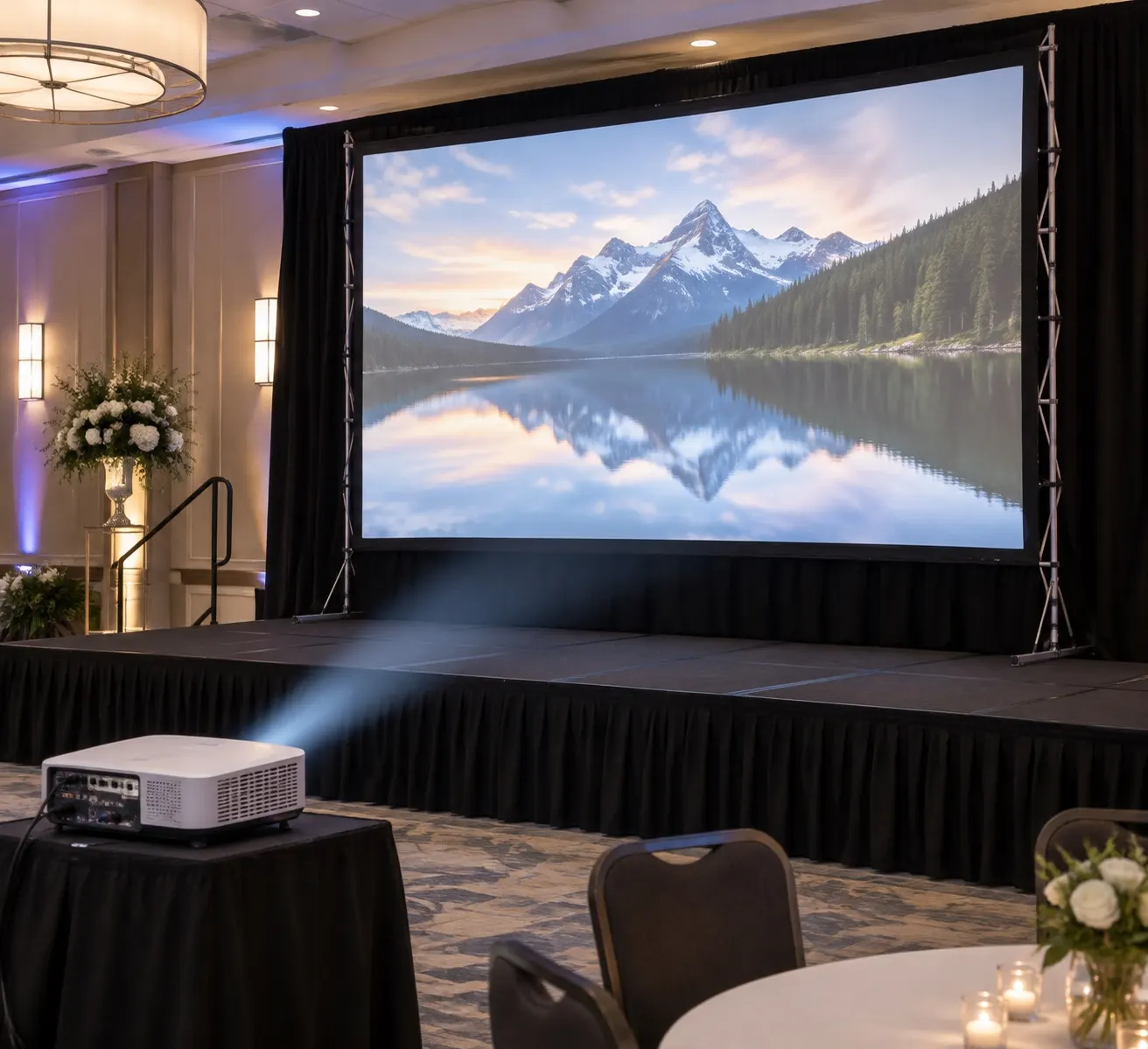
Wedding & Event Projector and Screen Setup
For a dimmed function room with a 100-inch screen, a projector of around 3,000–5,000 ANSI lumens is a sensible starting point; daylight rooms and bigger screens need much more, or an LED screen instead. Check the throw ratio so the projector fits where you can actually place it.
Last reviewed:
Brightness (lumens)
These are rough reference ranges. Screen gain, ambient light and content all change the result, so test in the room if you can.
| Room condition | Practical starting point |
|---|---|
| Fully dark | 2,000–3,000 ANSI lumens for a ~100" screen |
| Dimmed function room | 3,000–5,000 ANSI lumens |
| Daylight / marquee | 6,000+ lumens, or use an LED screen or large TV |
Throw distance and throw ratio
Throw ratio = distance from lens to screen ÷ image width. A projector with a 1.5:1 ratio needs 3.3 m to fill a 2.2 m wide image. Short-throw models suit small rooms; long-throw models sit at the back out of the way.
Getting audio out of HDMI
Laptops send sound down HDMI with the picture. An HDMI audio extractor (de-embedder) splits that audio out to analogue or optical outputs, so you can feed it into the DJ mixer while the picture goes to the projector.
Cables and signal distance
- Standard HDMI is reliable up to about 10–15 m.
- For longer runs, use active HDMI, HDMI-over-Cat6 extenders or wireless video links.
- Bring adaptors for USB-C and older laptops.
Test before the day
Play the slideshow or video end-to-end on the actual laptop and projector, check aspect ratio (16:9 is standard), and save copies on a USB drive.
Adding karaoke to the screen as well?
Karaoke party guide