
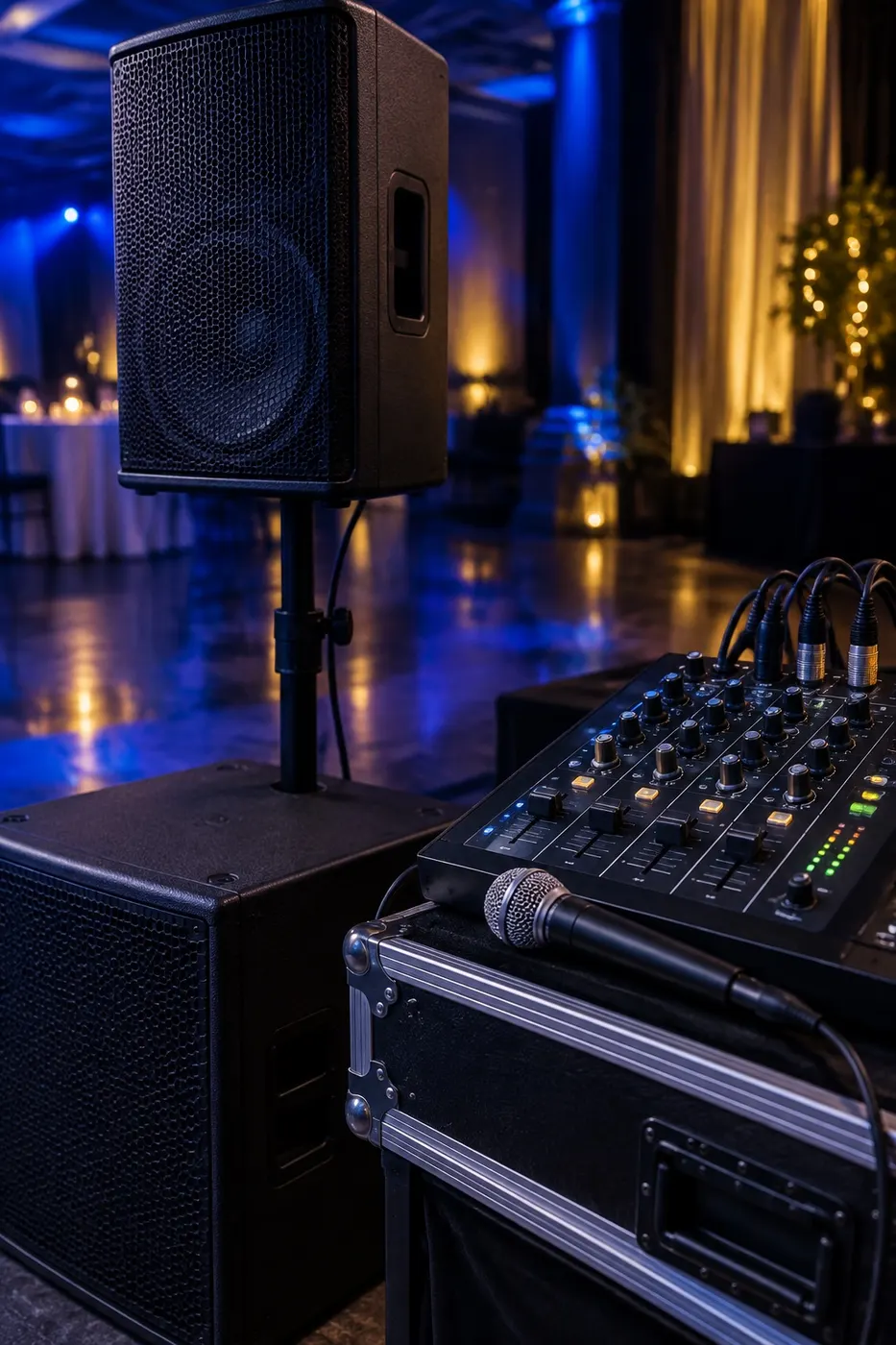
Sound Equipment
Mobile DJ Controllers and Audio Mixers
For mobile work, the most important features are reliable microphone inputs with independent control, a booth output, and a plan B. Standalone all-in-one units remove the laptop from the chain; laptop controllers offer flexibility; a small analogue mixer is the cheapest insurance policy you can carry.
Last reviewed:
Three common approaches
Standalone all-in-one systems
These run from USB drives or built-in storage without a laptop. Fewer moving parts and no operating-system updates mid-gig make them popular for weddings. Check the screen is readable in dim light and that library preparation software suits your workflow.
Laptop and controller
Lighter and cheaper for the features, with access to large libraries and streaming integrations where licensed. The laptop becomes a single point of failure, so disable automatic updates, notifications and sleep settings before every event.
Club-style players and mixer
Separate media players and a mixer give redundancy — if one player fails, the other keeps playing — but they are bulky and expensive for mobile use.
Features checklist for weddings and corporate work
- At least two microphone inputs with their own gain, EQ and level control
- Balanced XLR master output and separate booth output
- An auxiliary input for a backup phone or laptop
- Sturdy jog wheels and faders that cope with transport
- Clear metering so you can keep below venue limits
Building in redundancy
A compact analogue mixer with a microphone channel, plus a phone or second device with a pre-loaded playlist, can rescue the evening if the main unit fails. Label the backup cable and keep it patched in so a switch takes seconds.
Music licensing reminder
Playing music in public in the UK generally requires licensing, which is usually the venue's responsibility through TheMusicLicence from PPL PRS. DJs should use legitimately purchased or properly licensed music sources.
Planning speeches as well as music?
Wireless microphone guide